

Learn MongoDB in 14 Steps: A 10 Minutes Guide (Updated 2024)

Overview
What is MongoDB and why is it used?
MongoDB is a popular NoSQL document-oriented database. It is designed to be scalable, flexible and provides high performance. MongoDB stores data in JSON-like documents with dynamic schemas, making it easy to store and retrieve data.
Installation
How to install MongoDB on Mac?
Windows users can download the MSI file form https://www.mongodb.com/try/download/community and click next then next then next until the last step. The usual way.
Mac users need to install homebrew on their system which they can install by following the steps mentioned on their official site https://brew.sh/
1. Install xcode-select
xcode-select --install
2. Make brew aware of MongoDB. The tap command
brew tap mongodb/brew
3. Install MongoDB – Don’t forget to mention version
brew install mongodb/[email protected]
4. Start MongoDB services – This you have to execute, everytime you start working with mongodb
brew services [email protected]
5. To make the MongoDB services run always
`/usr/local/etc/mongod.conf` this path you will get in the response of the installation command
mongod --config /usr/local/etc/mongod.conf --fork
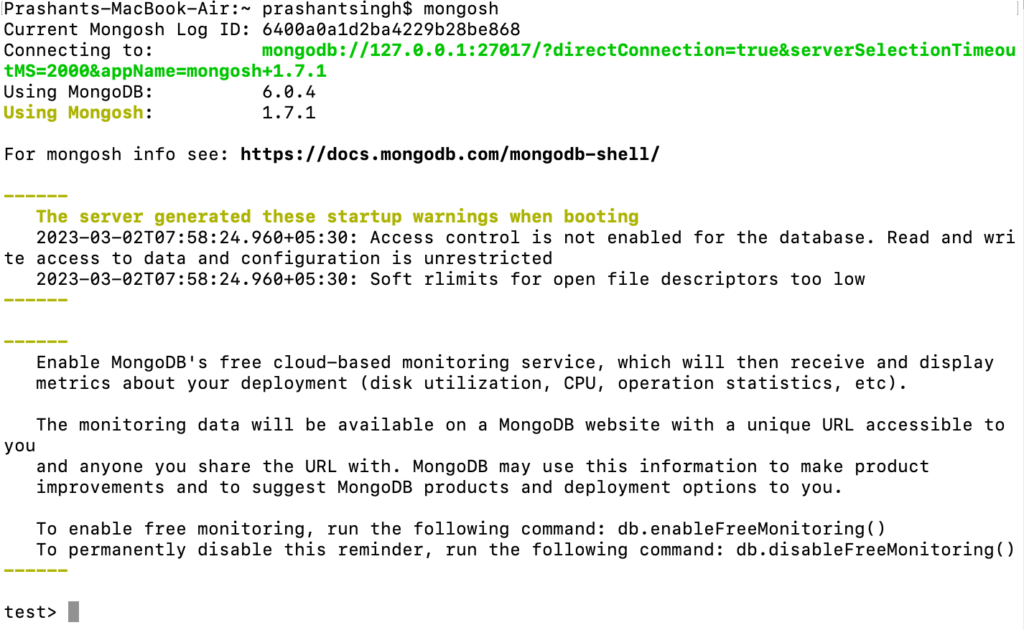
6. The last command – Open the mongo shell
mongosh
This is how it looks like when your mongo shell is up and running
Also Read: Typescript Technical Interview Questions 2023 – Part 1
CRUD Operations
How to create a database in MongoDB?
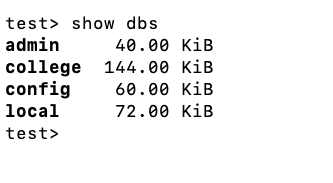
1. show all databases
show dbs
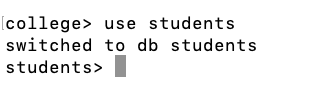
2. create database if not exist and switch to this database
use students
How to create a collection in MongoDB?
3. creating a collection and adding data to the collection
db.students.insertOne({})

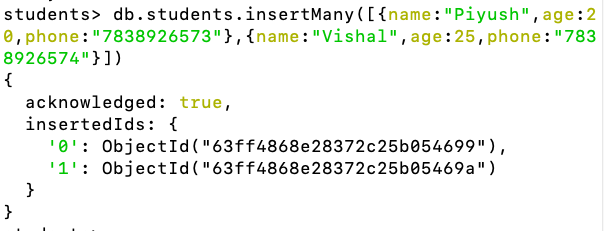
4. Insert multiple records at once
db.students.insertMany([{},{}])
How to list all records in a collection?
5. list all the records of this collection
db.students.find()
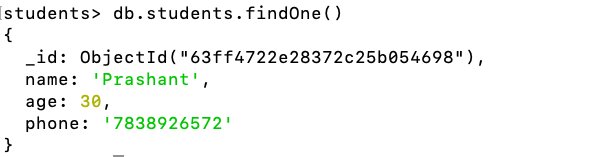
6. Return only 1st record of the collection
db.students.findOne()
Also Read: How to setup Visual Studio Code as a copy of PhpStorm
How to search for a record in a collection?
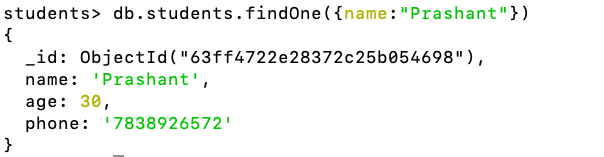
7. Search the collection for name == Prashant and return only 1st record of the collection
db.students.findOne({name:"Prashant"})
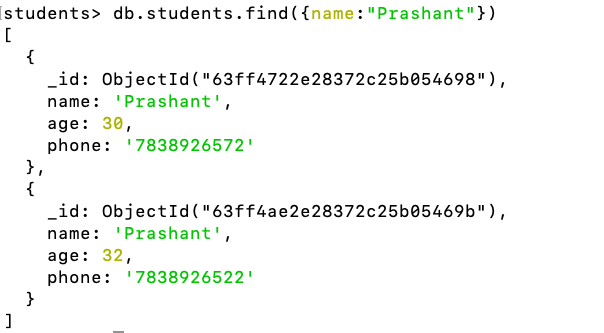
8. Search the collection for name == Prashant and return all matching records of the collection
db.students.find({name:"Prashant"})
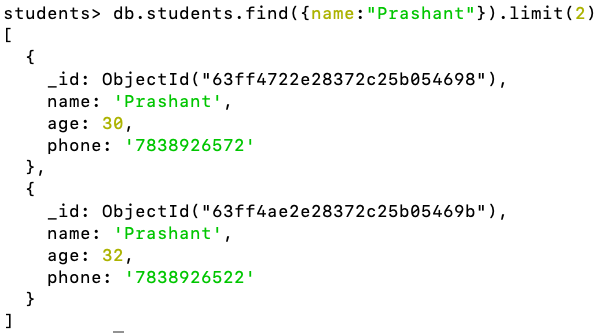
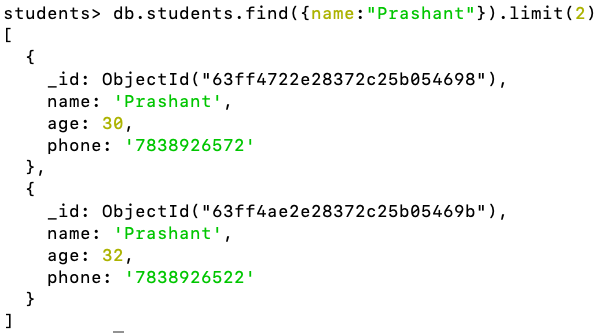
9. Search the collection for name == Prashant and return only 2(whatever the limit) matching records of the collection
db.students.find({name:"Prashant"}).limit(2)
How to update a record in MongoDB?
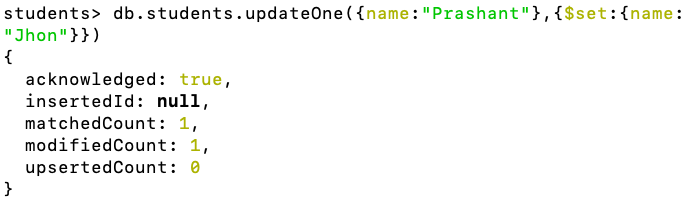
10. Update the first record. Search for name == Prashant and update it to Jhon.
db.students.updateOne({name:"Prashant"},{$set:{name:"Jhon"}})
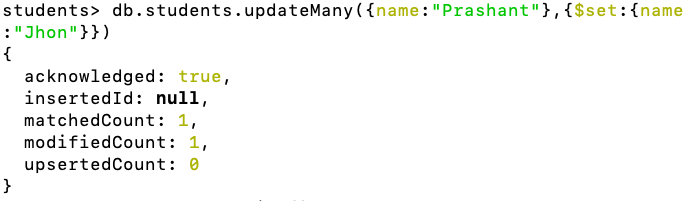
11. Update all matching records. Search for name == Prashant and update it to Jhon.
db.students.updateMany({name:"Prashant"},{$set:{name:"Jhon"}})
How to delete a record in MongoDB?
12. Delete 1st matching records. Search for name == Jhon and delete the 1st record
db.students.deleteOne({name:"Jhon"})

How to delete all records in a collection?
13. Delete all matching records. Search for name == Jhon and delete all matching records
db.students.deleteMany({name:"Jhon"})

14. Delete all records. Make the collection empty
db.students.deleteMany({})
Also Read: Top 10 Python Skills to Make Money in 2023
TODO Next
- Find by id
- Update by id
- Delete by id
- Install Mongo Compass and perform the same operations
Working On Something Similar?
Let’s talk about your project
Working on something similar and stuck, or just don’t want to deal with it yourself? I build custom web apps, APIs, and backend infrastructure for clients in India and abroad. Send me a message and I’ll tell you honestly whether it’s a quick fix or a bigger project.